
# Rm_multicharacter
A comprehensive multicharacter system for FiveM servers supporting QBox, QBCore, and ESX frameworks.
## Features
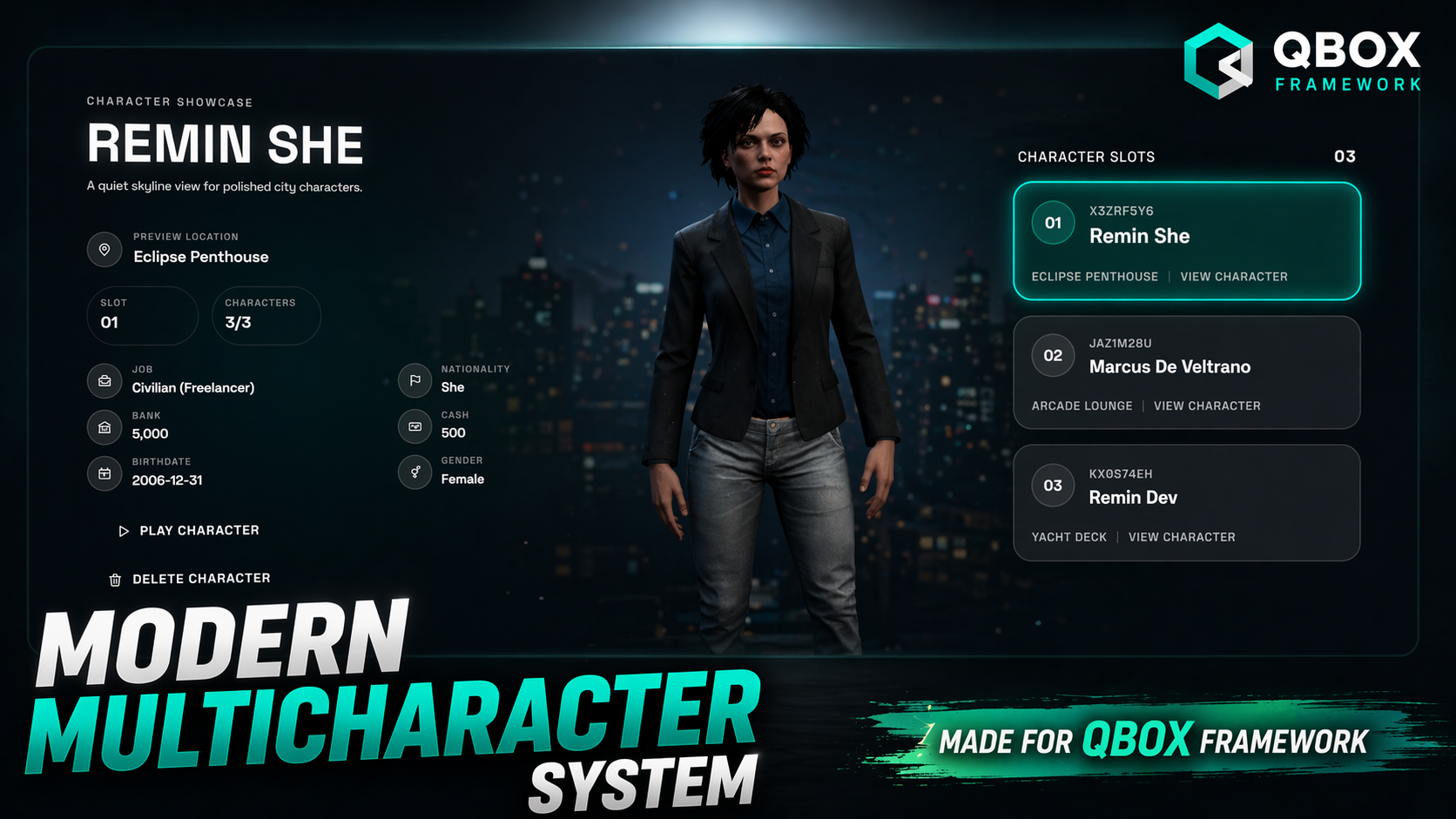
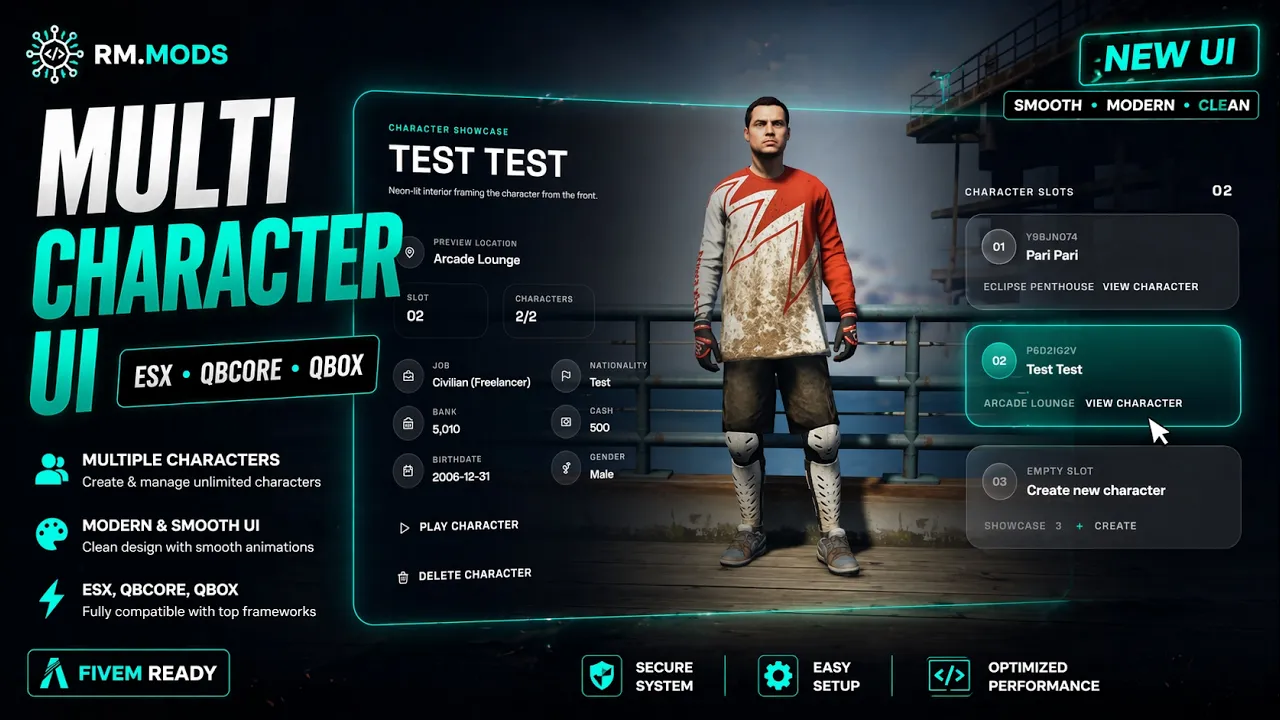
- Multiple character support per player
- Framework compatibility (QBox, QBCore, ESX)
- Modern web-based UI
- Character creation and selection
- Custom spawn locations
- Starter items configuration
- Reputation system integration
## Requirements
- [ox_lib](https://github.com/overextended/ox_lib)
- [oxmysql](https://github.com/overextended/oxmysql)
- One of the supported frameworks:
- [QBox](https://github.com/Qbox-project)
- [QBCore](https://github.com/qbcore-framework)
- [ESX](https://github.com/esx-framework)
## Installation
- **Download and Install Dependencies**
- Ensure you have `ox_lib` and `oxmysql` installed and configured
- Install your preferred framework (QBox, QBCore, or ESX)
- **Download the Resource**
- Download or clone this repository
- Place the `Rm_multicharacter` folder in your server's `resources` directory
- **Add to server.cfg**
```
ensure ox_lib
ensure oxmysql
ensure Rm_multicharacter
```
- **Database Setup**
- Import the appropriate SQL file from the `sql/` folder based on your framework:
- For QBox: `sql/qbox.sql`
- For QBCore: `sql/qbcore.sql`
- For ESX: `sql/esx.sql`
- Run the SQL queries in your database
## Configuration
### Framework Selection
Edit `config/shared.lua` to set your framework:
```lua
return {
-- Supported values: 'qbox', 'qbcore', 'esx'
framework = 'qbox', -- Change to 'qbcore' or 'esx' as needed
defaultSpawn = vec4(-540.58, -212.02, 37.65, 208.88),
}
```
### Character Limits
Edit `config/server.lua` to configure character limits:
```lua
return {
playersNumberOfCharacters = { -- Define maximum amount of player characters by rockstar license
['license2:xxxxxxxxxxxxxxxxxxxxxxxxxxxxxxxxxxxxxxx'] = 6,
},
defaultNumberOfCharacters = 3, -- Default maximum characters (maximum 3 by default)
}
```
### Client Configuration
Edit `config/client.lua` for UI and gameplay settings:
```lua
return {
loadingModelsTimeout = 10000, -- Timeout for model loading
defaultAllowedCharacters = 4, -- Total characters allowed
ui = {
logoPath = 'https://example.com/logo.png', -- Server logo URL

introLoadingMs = 2200, -- Loading duration
createLoadingMs = 1800, -- Character creation loading
},
characters = {
locations = { -- Character selection spawn locations
-- Add your custom locations here
},
},
}
```
### Starter Items
Configure starter items in `server/modules/starter_items.lua`:
```lua
-- Add items players receive when creating new characters
```
## Usage
- **Character Selection**
- Players will see the multicharacter menu on join
- Select an existing character or create a new one
- **Character Creation**
- Choose appearance, name, and other details
- Characters spawn at configured locations
- **Commands**
- Use `/reloadchar` to reload character data (admin command)
- Other commands available in `server/modules/commands.lua`
## Customization
### Adding Custom Spawn Locations
Add new locations in `config/client.lua`:
```lua
characters = {
locations = {
{
label = 'Custom Location',
subtitle = 'Description of the location',
pedCoords = vec4(x, y, z, heading),
camCoords = vec4(camX, camY, camZ, camHeading),
},
},
}
```
### Framework Integration
The resource automatically detects and integrates with your chosen framework. Framework-specific code is handled in:
- `client/modules/framework.lua`
- `server/modules/framework.lua`
## Support
For support or issues:
- Check the framework documentation
- Ensure all dependencies are properly installed
- Verify database tables are created correctly
## License
See LICENSE file for details.
## Credits
- Author: Remin </>
- Version: 2.5.0